

Stay Connected with eSIMs in Japan
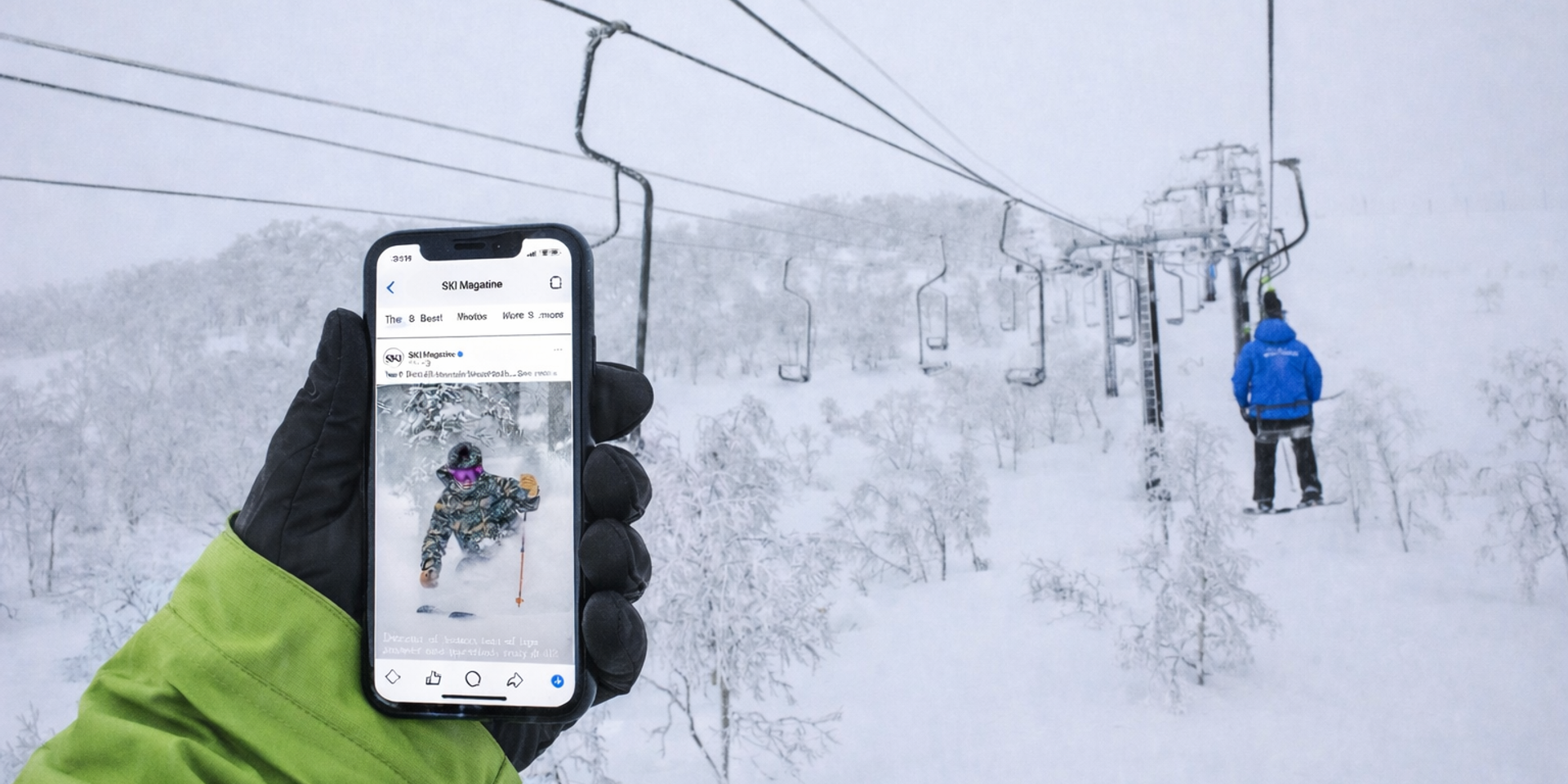
For roughly the cost of a bowl of ramen and a conbini coffee, you can step off the plane in Japan and have your phone sorted. Maps, translation, train times, bookings, the group chat, and that crucial last-minute weather check, all online without hunting for airport Wi-Fi or dealing with roaming surprises. That’s the eSIM move: buy it online, install it on Wi-Fi before you fly, then switch it on when you land.
What is an eSIM?
An eSIM is a digital SIM built into newer phones. Instead of swapping a physical SIM card, you download a plan onto your phone (usually via QR code or an app). Most travel eSIMs for Japan are data-only, which is fine for almost everyone because iMessage, WhatsApp, LINE, Maps, email and browsing all run on data.
You can usually keep your home SIM active for calls and texts, and use the Japan eSIM for mobile data, as long as your phone supports eSIM and is unlocked.
How much do Japan eSIMs cost?
Light use (1–3GB): ¥1,000
Great for messaging, Maps, translation, and light browsing.
Regular use (5–10GB): ¥2,700
The sweet spot for most 7–14 day trips, including ski trips.
Heavy use (20GB): ¥4,000
More scrolling, more uploads, and occasional hotspot.
Unlimited (7 days): ¥4,300
Convenient, but many unlimited plans slow down after a daily high-speed allowance.
Unlimited (15 days): ¥8,000
For longer trips where you do not want to think about data at all.
Is it worth it?
For most travellers, yes.
An eSIM is the cleanest way to stay connected without airport SIM admin or roaming bill surprises. It makes travel days easier (stations, transfers, last-minute changes) and it’s clutch in Japan when you’re translating menus, navigating towns, and checking weather or snow forecasts on the fly.
Pocket Wi-Fi can still make sense for big groups sharing one connection all day, but for most people, an eSIM is the easiest solo setup.
Compatibility (short and sweet)
iPhone: iPhone XR / XS and newer, plus iPhone SE (2nd gen) and newer.
Samsung Galaxy: most Galaxy S20 and newer, plus Z Fold and Z Flip models, plus Note20.
Google Pixel: most modern Pixels support eSIM, with Pixel 4 and newer being the safe bet.
Quick check on your phone:
iPhone: Settings → Mobile (or Cellular) → Add eSIM
Galaxy / Pixel: Settings → Network and internet (or Connections) → SIMs → Add eSIM
If you do not see Add eSIM, your device may not support it, or it may be restricted by your carrier or region.
How to unlock your iPhone
If your iPhone is carrier-locked, a travel eSIM may not activate. Do this check before you fly.
Step 1: Check if it’s unlocked
Settings → General → About → Carrier Lock (Service Provider Lock)
If it says No SIM restrictions, you’re unlocked.
Step 2: If it’s locked, unlock it through your carrier
Contact the carrier you pay your phone plan to and request an unlock. They usually require the phone to be paid off and your account to be in good standing. Unlocking is typically done remotely, and a restart afterward is often enough.
How to set up a Japan eSIM (quick how-to)
- Buy your plan (choose your data tier and trip length).
- Install the eSIM on Wi-Fi using the QR code or the provider app.
- Label it something obvious like Japan eSIM.
- Set Mobile Data to the Japan eSIM (keep your home SIM for calls and texts if you want).
- When you land in Japan, switch it on and test a webpage. If your provider says to enable Data Roaming for the eSIM, do that.
Ski trip tip: install it at home, but only turn the Japan eSIM line on when you arrive.
Quick troubleshooting (the 60-second fixes)
If you’ve installed the eSIM but have no data, check three things:
Mobile Data is set to the Japan eSIM, Airplane Mode toggle (on then off), and a phone restart. If your provider requires it, enable Data Roaming for the Japan eSIM. If it still won’t connect, it’s usually a carrier lock issue or a device variant that does not support eSIM.
Where to buy a Japan eSIM
Klook is popular throughout Asia, and is the easiest way to get an eSIM. Good App as well as being English and mobile friendly:
- eSim on Klook: https://www.klook.com/
Other reputable providers:
FAQs
Can I keep my normal number while using an eSIM?
Usually yes. Keep your home SIM active for calls and texts, and set the Japan eSIM as your mobile data line. Just make sure your home carrier’s data roaming is off if you want to avoid charges.
Do I need a Japanese phone number?
Most people don’t. Travel eSIMs are commonly data-only, and that’s enough for messaging apps, navigation, bookings and everything you actually use day-to-day.
Can I hotspot my eSIM to another device?
Sometimes. It depends on the plan and provider, so check the plan details before you buy if hotspot matters.
When does the plan start?
It depends on the provider. Some plans start when you connect in Japan, others start when you activate or install. If timing matters, read the activation notes and install it before you fly.
Is unlimited actually unlimited?
Often it means unlimited access, not unlimited high-speed. Many unlimited plans slow down after a daily high-speed allowance. Still fine for messaging and light browsing, not great for streaming.
Quick summary
If your phone supports eSIM and is unlocked, a Japan eSIM is the easiest way to stay connected. For most trips,¥2,700 (5–10GB) is the set-and-forget sweet spot. Install it on Wi-Fi before you go, switch your data line to the eSIM when you land, and get back to the important stuff: snow, food, and sending those Japow pics.